Miley for Technology

Keep product, support, and revenue work moving

Miley works with your team in Slack or Microsoft Teams and connects to GitHub, Linear, PostHog, HubSpot, and the rest of your stack. Give her the recurring work that slows your team down so they can stay focused on shipping.

Customer proof

Real Technology work with Miley

Result:
Saved 2-5 hours

I run a B2B SaaS company and trained Miley on our internal playbook. We gave her access to HubSpot and Salesforce and put her to work. Since then, our pipeline has grown more than 7x.

Jordan
Founder, Impact
2-5 hours/week

saved by Jordan, founder of Impact

10,000+

connections across your business tools

Slack, Teams, Text, WhatsApp, or Phone

one shared AI teammate for the company

SOC 2

Independent audit done

Book a Demo
Put Miley to work

Connect your tools once. Then hand her the job

1

Bring in your product tools

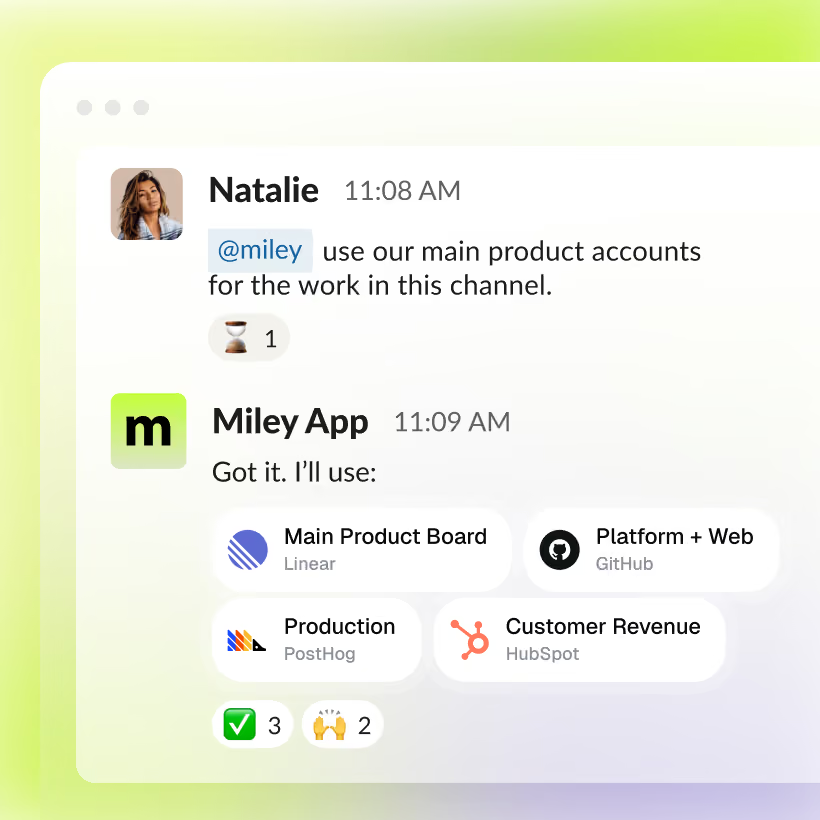
Connect the systems behind the work and clearly label each account or environment. Miley can work across Linear, GitHub, PostHog, HubSpot, Stripe, Notion, and thousands of other tools.

2

Set the workflow and adjust cadence

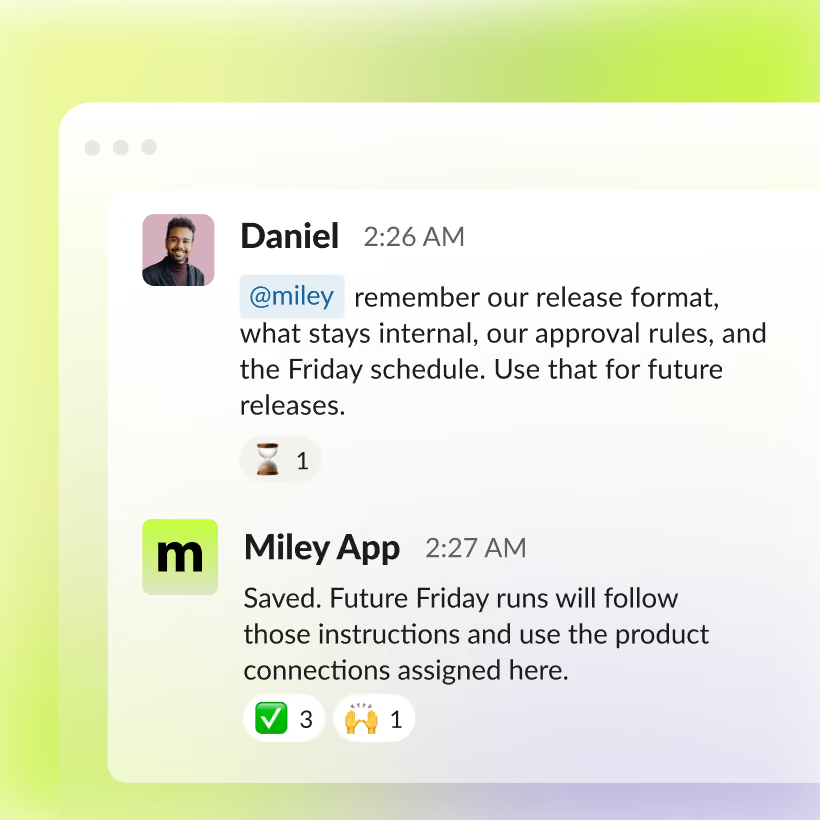
Give her your format, rules, approval requirements, and schedule. Once the process is right, Miley can reuse it every time the job runs.

3

Review what comes back

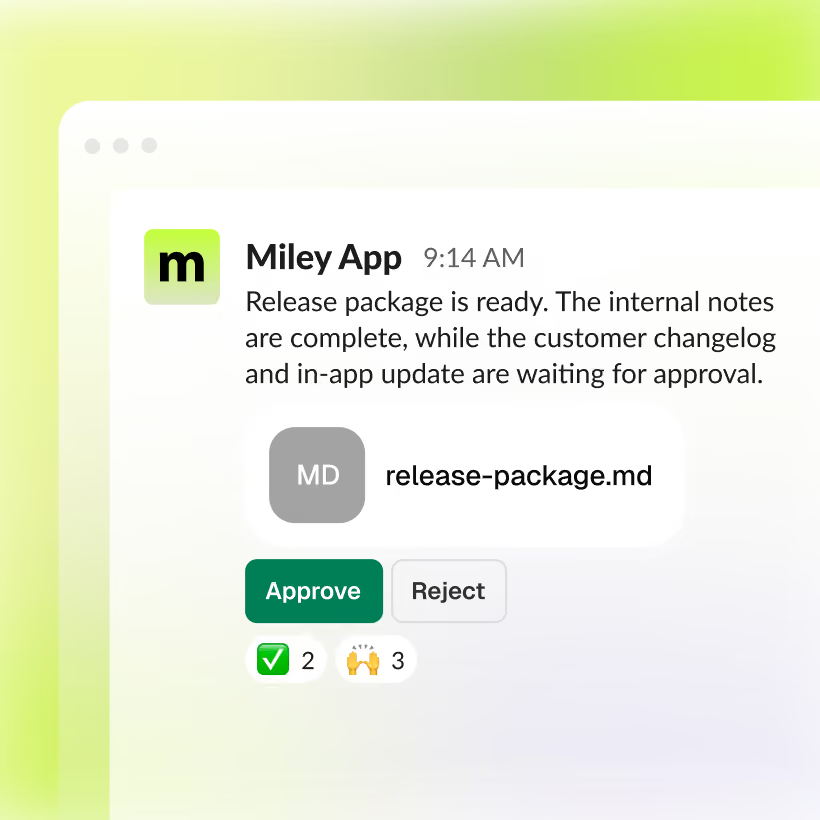
Miley returns the completed work where your team already works. Any connected action you mark as sensitive can wait for approval before anything changes.

Get Started for Free
Technology specific flows

Give her the outcome. Miley handles the steps behind it

Miley can move between product data, support systems, code, files, and business tools to complete multi-step work and bring the result back to your team.

1

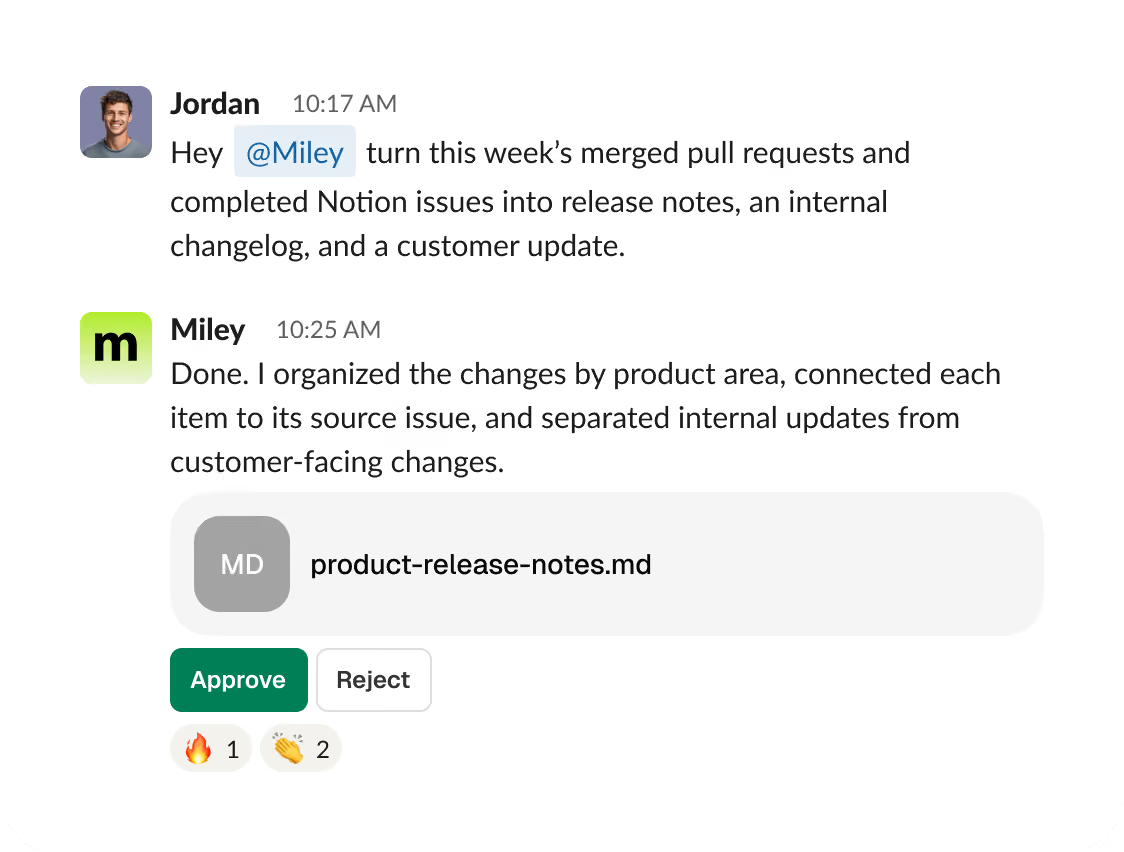
Have release communication ready before launch

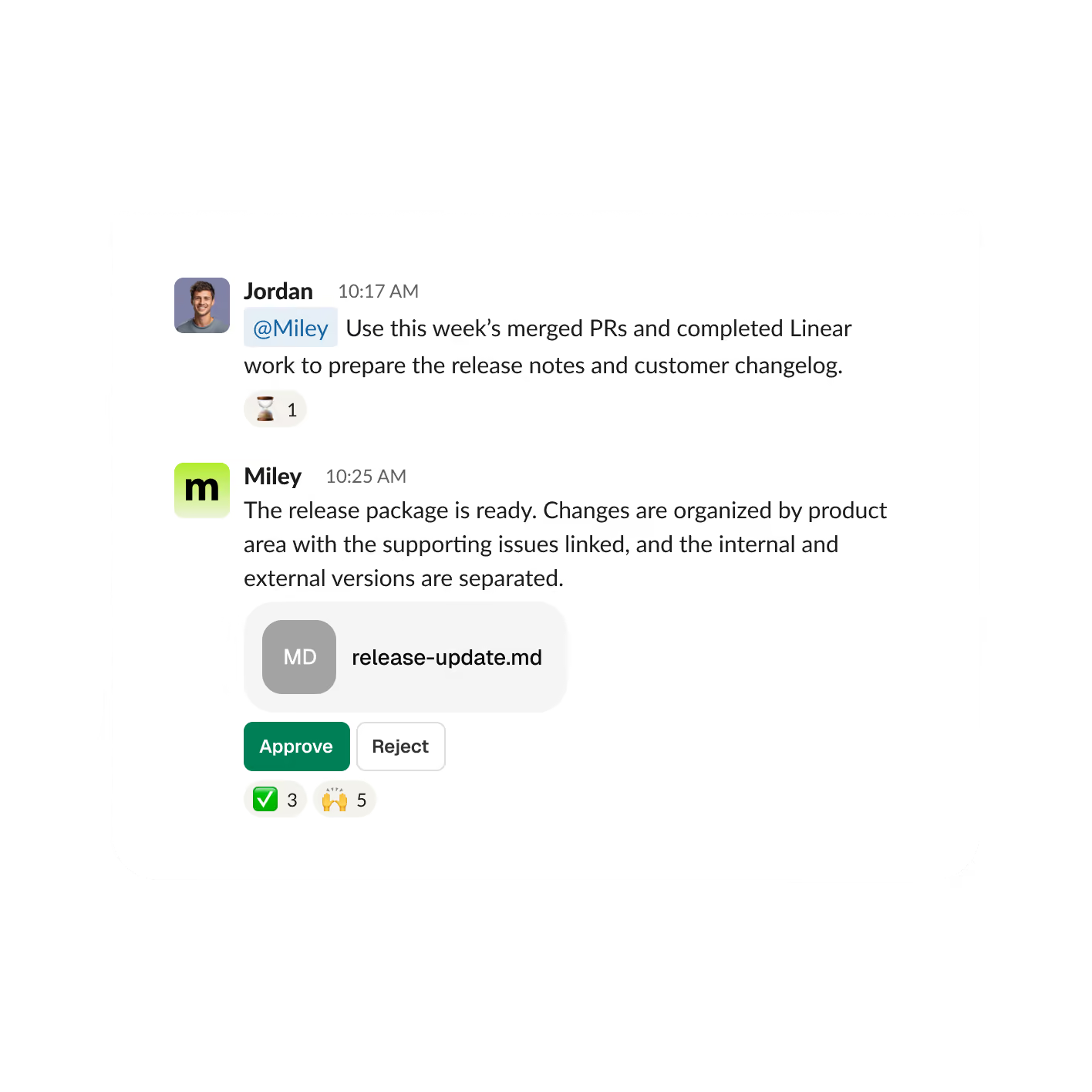
Miley reviews merged pull requests and completed issues, organizes customer-visible changes, removes internal-only items, and prepares the release communication in your preferred format.

Deliverable: Release notes + customer update
2

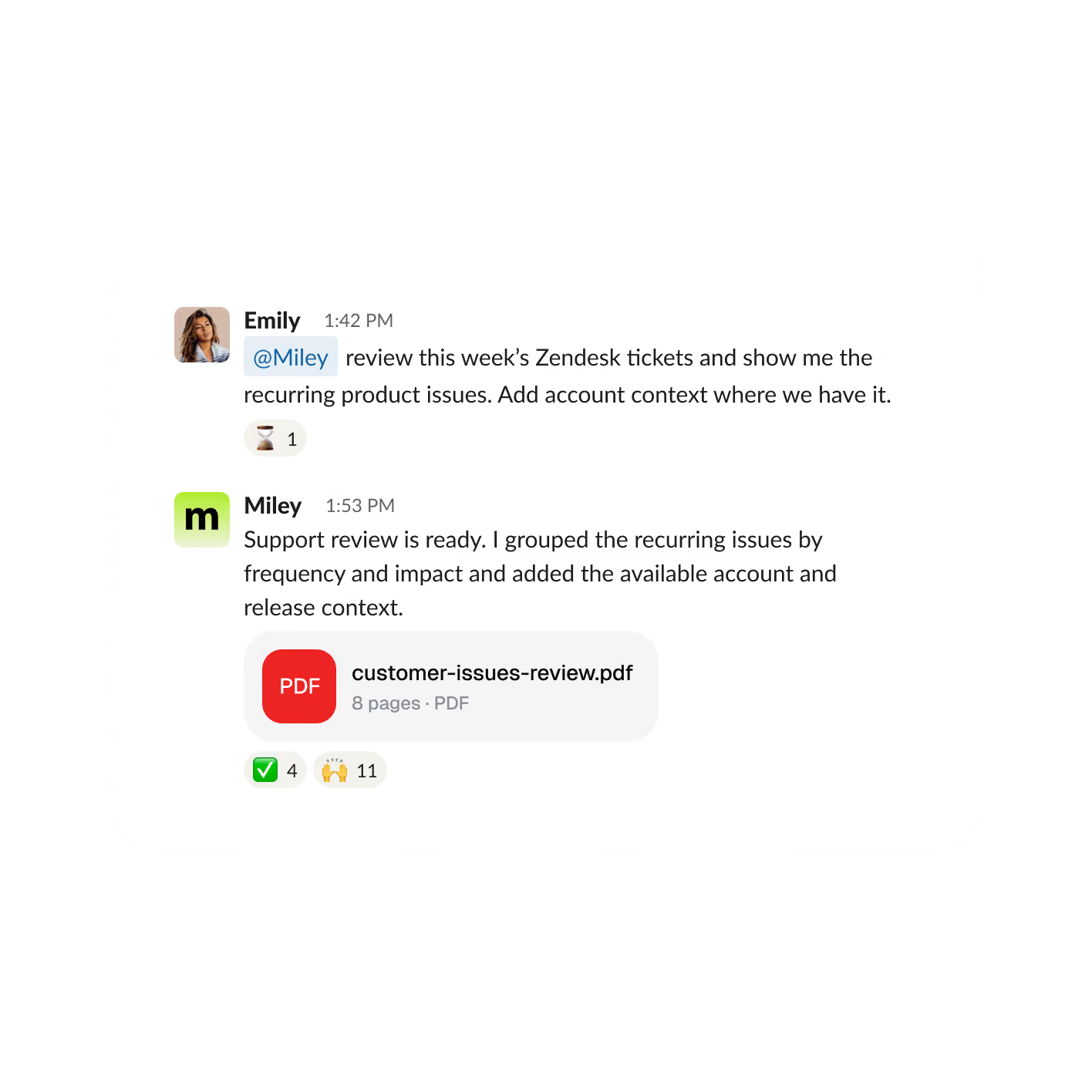
Turn customer conversations into product priorities

Miley can review connected support tickets, find recurring issues, and add relevant account or release context so product teams know which problems deserve attention first.

Deliverable: Customer themes + priority list
3

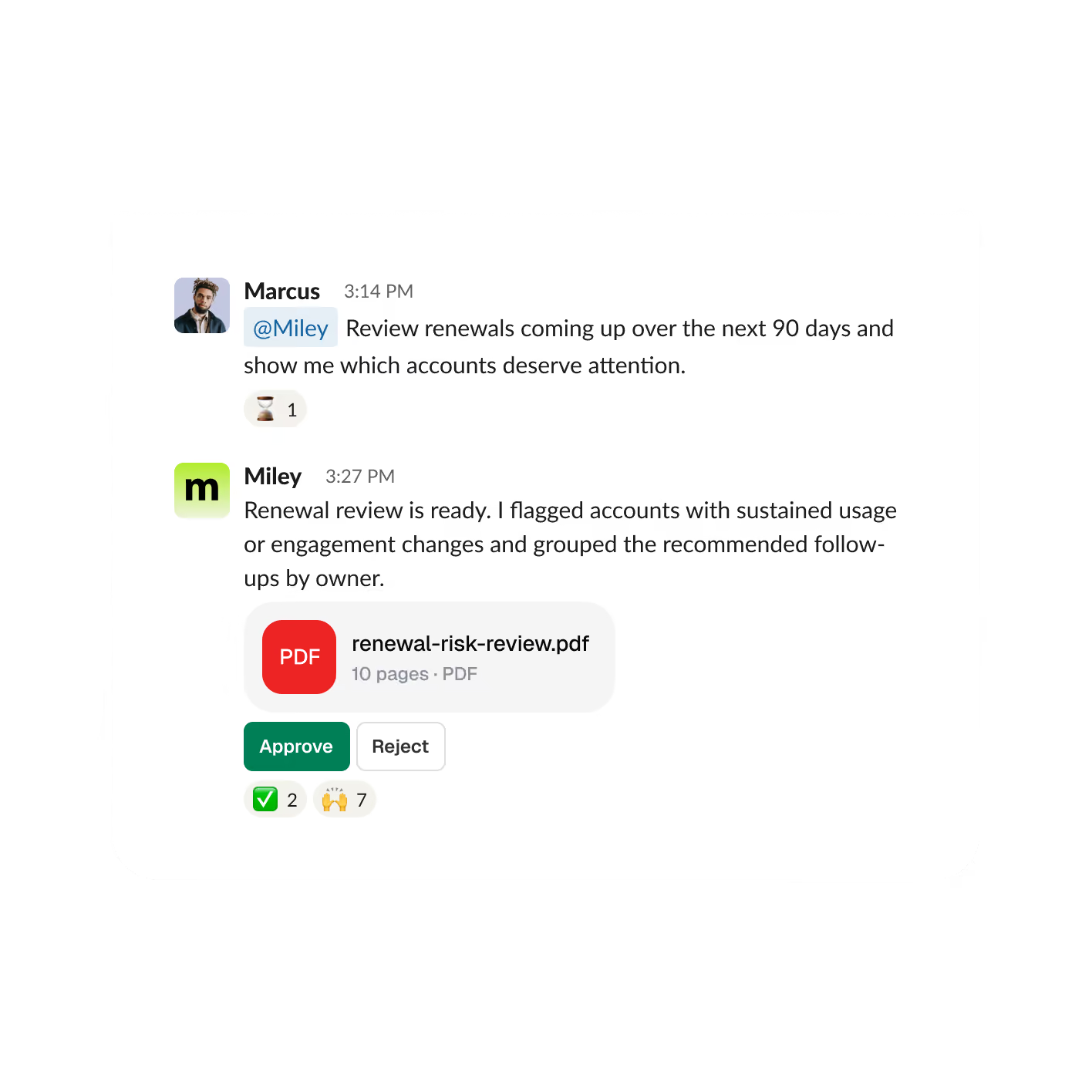
Spot account risk before the renewal conversation

Miley combines CRM information, billing activity, product usage, and support history to surface accounts showing meaningful changes before renewal.

Deliverable: Renewal risks + recommended saves
4

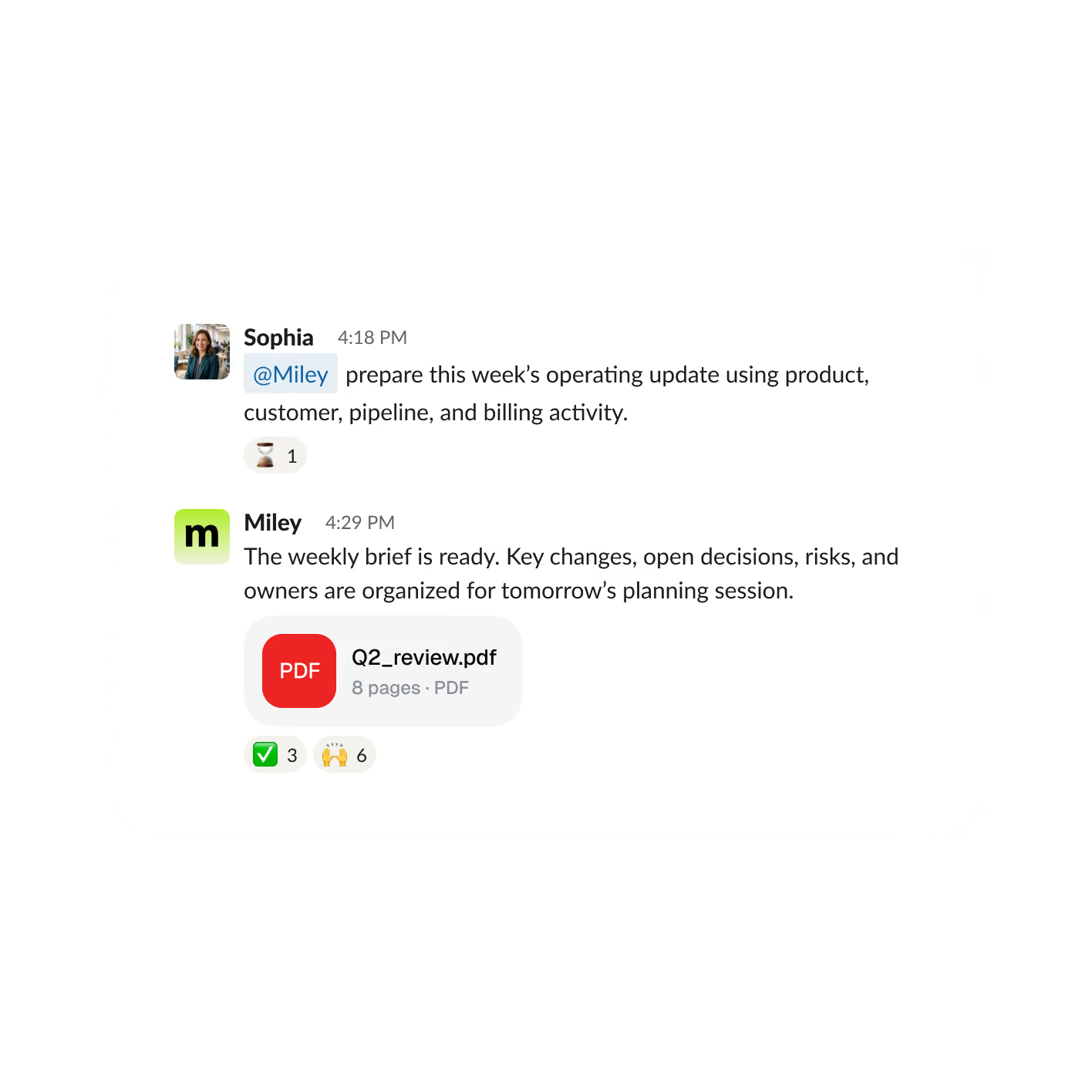
Start planning with the important changes summarized

Miley brings together activity from product, support, pipeline, and billing systems and turns it into one operating brief with the decisions and issues that matter most.

Deliverable: Weekly brief + decisions
5

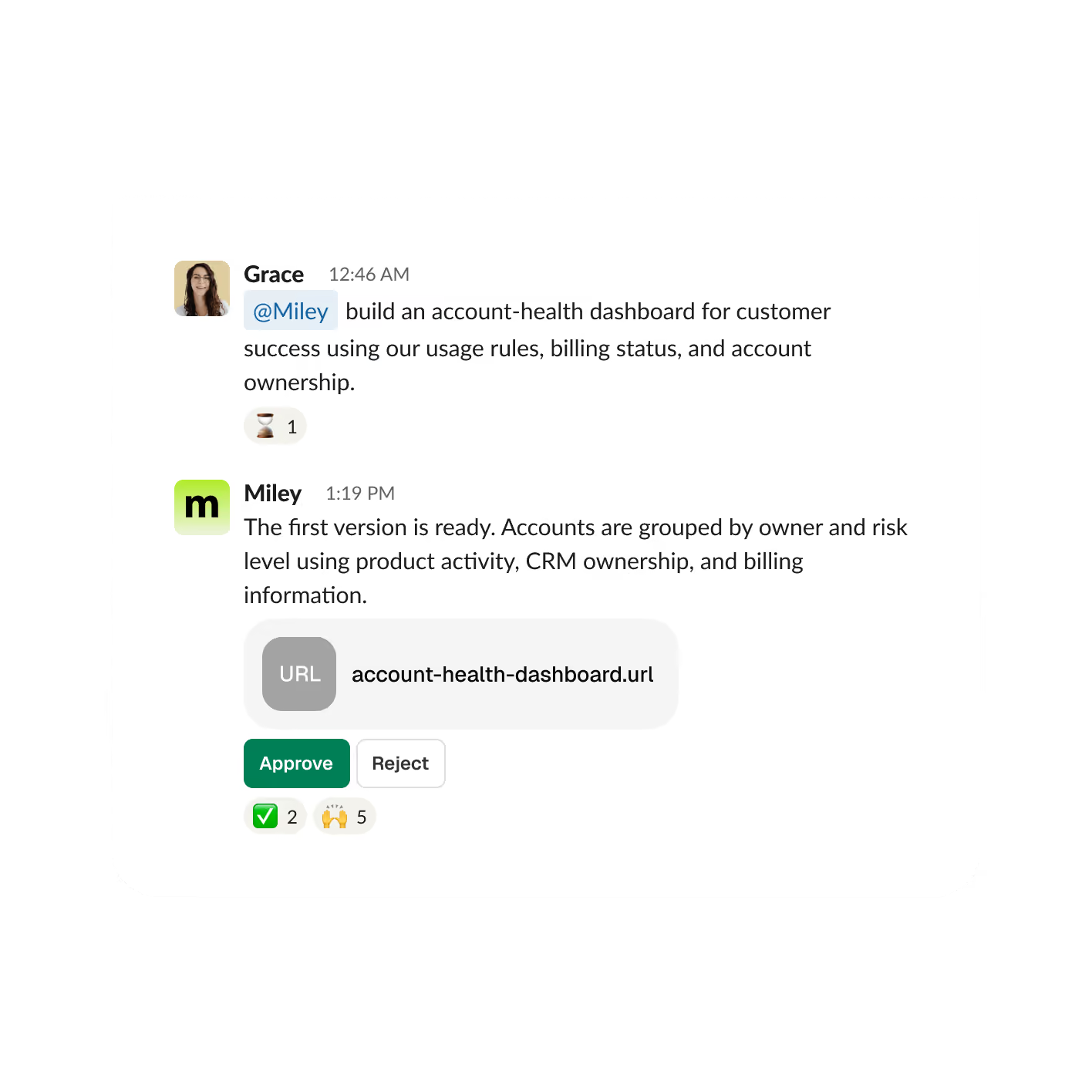
Build the internal system your team keeps putting off

Miley can use your connected information and business rules to create practical internal tools such as account-health views, QA systems, operational dashboards, and team workspaces.

Deliverable: Miley Apps
6

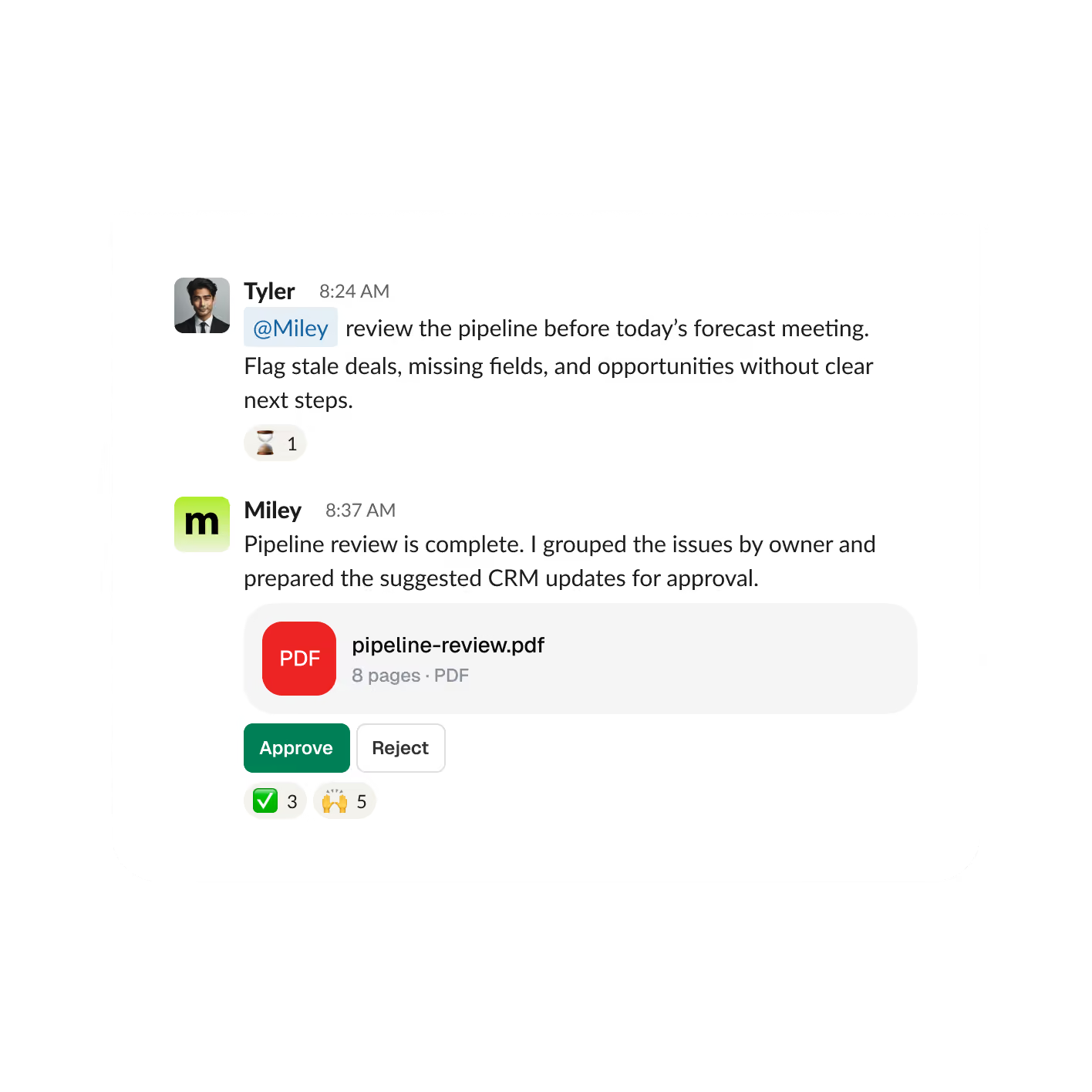
Clean up the pipeline before the forecast meeting

Miley reviews stale opportunities, missing information, stage requirements, and unclear next steps, then prepares the updates your RevOps team should review.

Deliverable: Pipeline review + proposed changes
Technology specific work

Give her the outcome. Miley handles the steps behind it

Miley can move between product data, support systems, code, files, and business tools to complete multi-step work and bring the result back to your team.

1

Have release communication ready before launch

Miley reviews merged pull requests and completed issues, organizes customer-visible changes, removes internal-only items, and prepares the release communication in your preferred format.

Deliverable: Release notes + customer update
2

Turn customer conversations into product priorities

Miley can review connected support tickets, find recurring issues, and add relevant account or release context so product teams know which problems deserve attention first.

Deliverable: Customer themes + priority list
3

Spot account risk before the renewal conversation

Miley combines CRM information, billing activity, product usage, and support history to surface accounts showing meaningful changes before renewal.

Deliverable: Renewal risks + recommended saves
4

Start planning with the important changes summarized

Miley brings together activity from product, support, pipeline, and billing systems and turns it into one operating brief with the decisions and issues that matter most.

Deliverable: Weekly brief + decisions
5

Build the internal system your team keeps putting off

Miley can use your connected information and business rules to create practical internal tools such as account-health views, QA systems, operational dashboards, and team workspaces.

Deliverable: Miley Apps
6

Clean up the pipeline before the forecast meeting.

Miley reviews stale opportunities, missing information, stage requirements, and unclear next steps, then prepares the updates your RevOps team should review.

Deliverable: Pipeline review + proposed changes
Connected across your technology stack

One request can move through every system the job needs

Miley works within the access and permissions you give her. She can gather information, create files, prepare updates, and propose actions across your connected tools.

Connect 10,000+ tools, with custom connections available when needed.

Miley for Enterprise
No API keys
SOC 2 Type 1
Why Miley

One AI assistant across product, support, and revenue

Miley works across teams, keeps the right business context, and carries work from start to finish across data, files, code, and connected tools.

Alternative
What your team still has to do
With Miley
Individual AI chat
Knowledge and completed work stay with the person who started the conversation.
She works alongside product, support, and revenue teams in your comms channels.
Automation tools
Your team has to map the steps, conditions, exceptions, and handoffs ahead of time.
Tell her the outcome you want. She works through the steps and delivers the result.
Developer tools
They’re designed mainly to help write and ship software, not run work across the business.
She can work across code, product data, documents, customer systems, and business apps.
Open-source agents
Your team is responsible for setup, infrastructure, security, updates, and ongoing maintenance.
She is ready to use without your team having to build or maintain the underlying system.
Single-user AI
You’re tied to one provider’s models, capabilities, pricing, and direction.
She can use different models depending on the job, from quick everyday work to deeper reasoning.
Individual AI chat
What your team still has to do
Knowledge and completed work stay with the person who started the conversation.
With Miley
She works alongside product, support, and revenue teams in your comms channels.
Automation tools
What your team still has to do
Your team has to map the steps, conditions, exceptions, and handoffs ahead of time.
With Miley
Tell her the outcome you want. She works through the steps and delivers the result.
Developer tools
What your team still has to do
They’re designed mainly to help write and ship software, not run work across the business.
With Miley
She can work across code, product data, documents, customer systems, and business apps.
Open-source agents
What your team still has to do
Your team is responsible for setup, infrastructure, security, updates, and ongoing maintenance.
With Miley
She is ready to use without your team having to build or maintain the underlying system.
Single-user AI
What your team still has to do
You’re tied to one provider’s models, capabilities, pricing, and direction.
With Miley
She can use different models depending on the job, from quick everyday work to deeper reasoning.
Built for product teams

Better models, shared context, and control when it matters

Miley gives your team powerful AI without requiring you to build, host, or maintain a complicated agent stack.

Pick the right model for the task

Choose from available models and set team defaults based on whether the work needs speed or deeper reasoning.

One Miley across the company

Engineers, product managers, support, customer success, and revenue teams can all work with Miley in Slack or Microsoft Teams.

Keep environments organized

Connect the same tool multiple times and label each account or environment clearly. If Miley isn’t sure which connection you mean, she asks before continuing.

Control what happens automatically

Let routine read-only work run on its own, require approval for sensitive or customer-facing actions, or turn specific actions off completely.

FAQ

How are Technology companies using AI?

Technology teams are using AI for much more than features inside their products. Miley can help with release communication, support analysis, renewal preparation, product insights, weekly business updates, pipeline reviews, and other recurring work across the company. Mley works through your preferred comms channel - Slack, Teams, WhatsApp, Text, or Phone.

Can Miley create release notes from GitHub and Linear?

Yes, Miley can review merged pull requests and completed issues, organize the customer-facing changes, and prepare release notes in your team’s preferred format for review.

Can Miley identify renewal or churn risk?

Yes, with the right tools connected, Miley can bring together product usage, support history, CRM information, and billing context to surface accounts that may need attention before renewal.

What kind of AI should a startup utilize?

It depends on the work. Coding assistants are useful for helping engineers build software. Miley is designed for the work surrounding the product too — product operations, support, customer success, revenue, reporting, and recurring workflows.

Can Miley make code changes?

Miley can work with connected repositories, help prepare changes, and support pull-request workflows. Your team can keep merges, deployments, and other sensitive development actions behind approval.

Can Miley contact customers without approval?

Only if you choose to allow it. Customer-facing actions can be configured to wait for approval so your team reviews the work before anything is sent.

Can Miley distinguish staging from production?

Yes, you can connect the same application more than once and label each connection by environment or account. If there’s any uncertainty about which one to use, Miley can ask before taking action.

What happens if a connected tool fails?

A connected service may occasionally restrict access, return incomplete information, or reject an action. Miley can surface the issue, and sensitive changes can remain behind approval so your team reviews the result before anything is sent, published, or updated.

What is an AI employee?

An AI employee does more than answer individual questions. Miley works alongside your team, connects with the tools you already use, keeps useful business context, completes multi-step work, and can handle recurring jobs on a schedule.

How is Miley priced for Technology teams?

Start with $100 of free credits. Miley uses a credit-based pricing model, so you pay based on the work she performs rather than adding a separate charge for every teammate. Choose the plan that matches your usage and scale up as Miley takes on more work.

Miley is your

AI assistant for work and life.

chief of staff for the everyday details.

executive assistant, one text away.

right hand for everything on your plate.

AI employee for the work you keep putting off.

inbox manager, keeping important messages in focus.

meeting assistant, from preparation to follow-up.

research analyst, turning questions into clear findings.

data analyst, turning numbers into next steps.

operations assistant, keeping the daily work moving.

extra set of hands when the day gets busy.

teammate for everything between “I need to” and “done”.

Get Started for FreeBook a Demo