Connect Shopify, Klaviyo, Meta Ads, Google Ads, Stripe, and the rest of your commerce stack. Miley can prepare daily performance briefs, review lifecycle campaigns, monitor spend, and hold important changes for your approval.
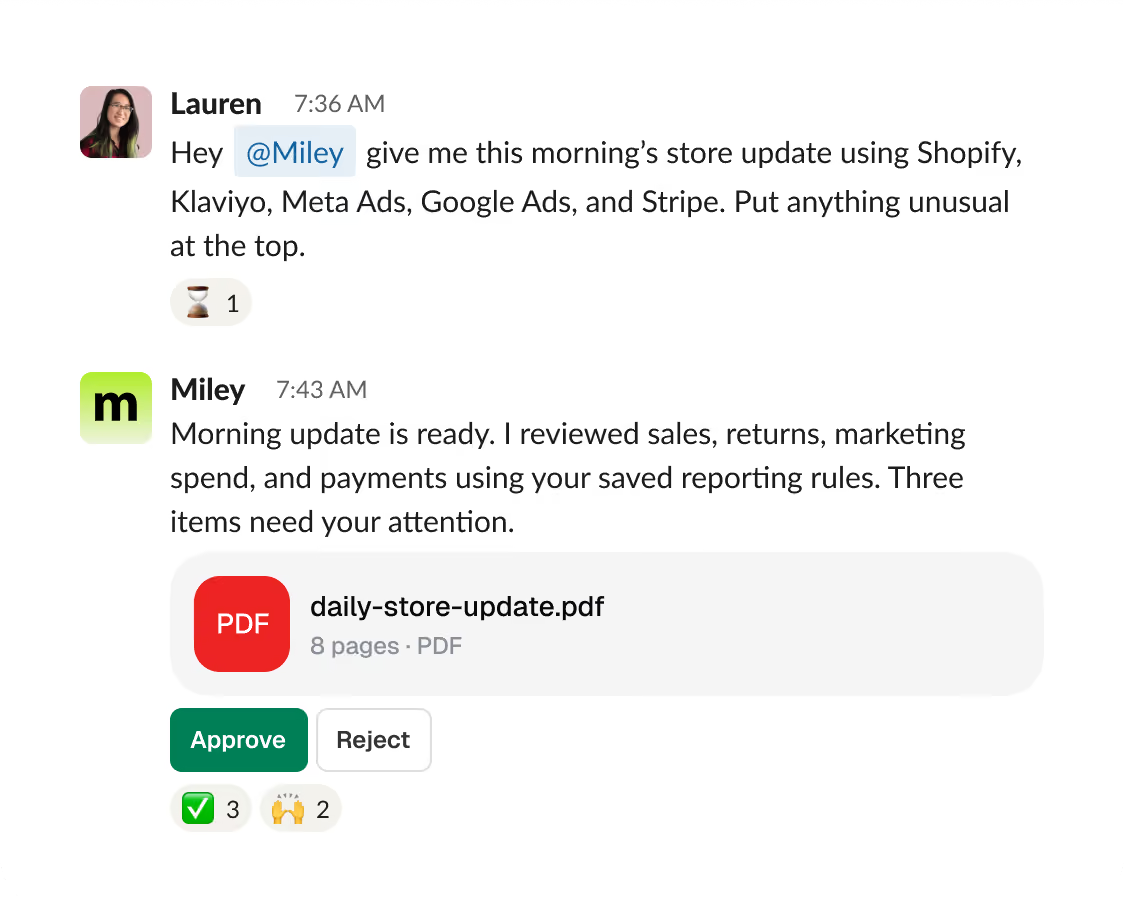

Miley can take recurring ecommerce work that normally requires someone to jump between systems and turn it into repeatable workflows across your connected tools.
recurring workflows
from setup to daily use
managed from one place
of manual, repetitive work handled across the team

Connect your commerce tools
Bring your commerce apps into Miley — Shopify, Klaviyo, Meta, Google Ads, Stripe, and more. Name each account clearly so she always works in the correct storefront.

Teach Miley the process and cadence
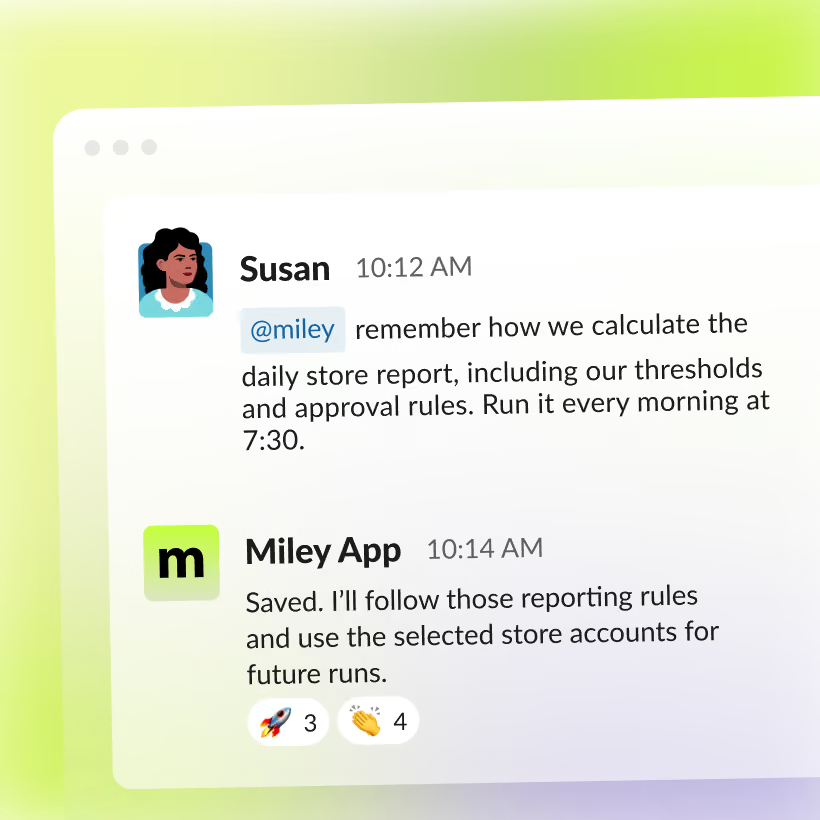
Teach Miley how the report should look, which numbers matter, where the limits are, and what needs approval. Once it’s right, make it recurring.

Review the deliverables
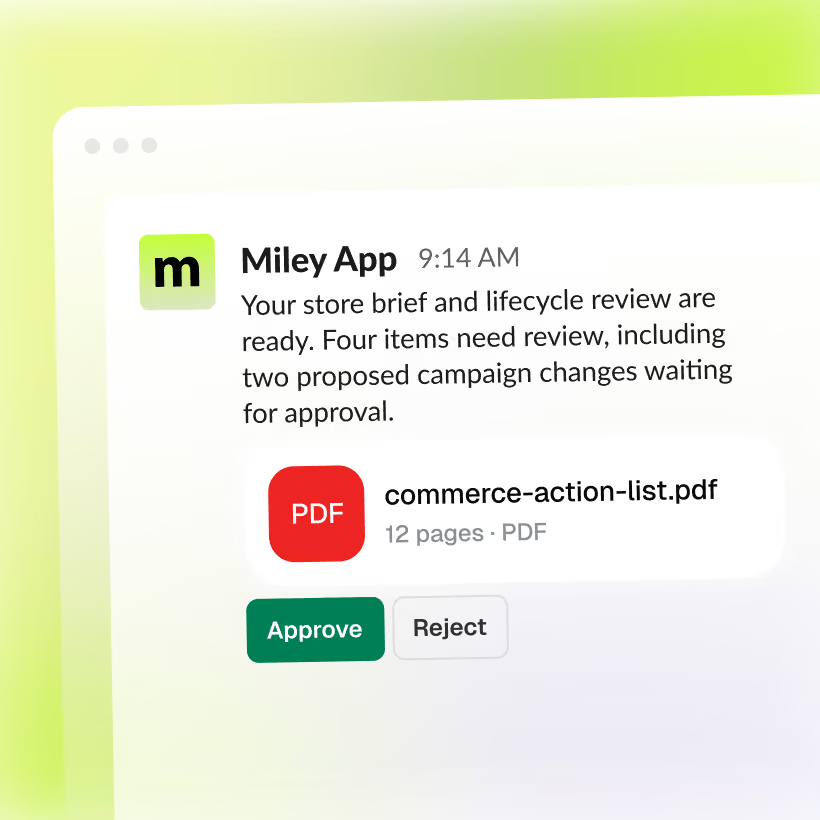
Miley delivers the finished report with the evidence behind it. Changes to spend, campaigns, or customer communications stay on hold until someone approves them.
Miley works across sales, marketing, lifecycle, customer experience, and revenue data to turn scattered information into something your team can use.
Start the day knowing what changed
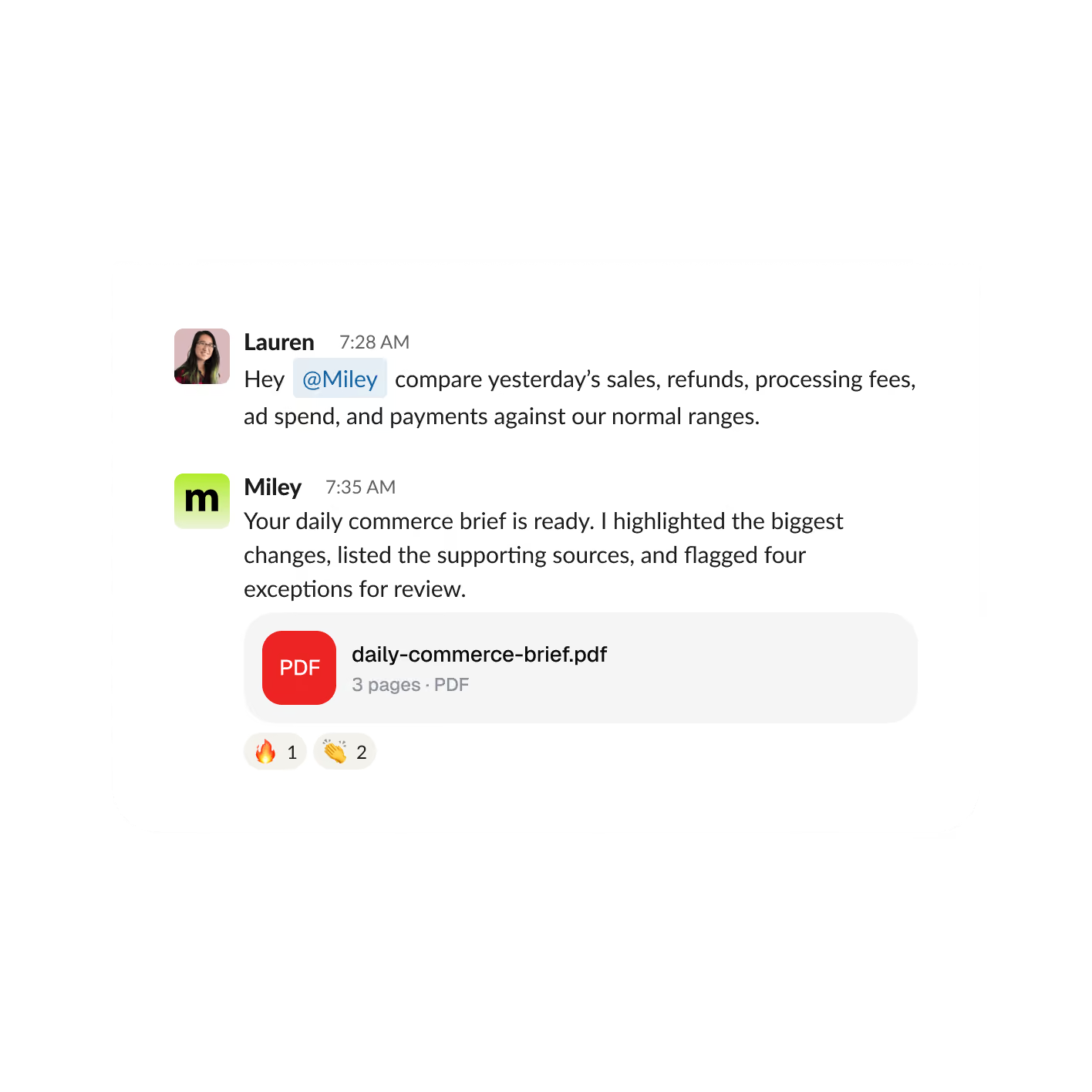
Miley reviews sales, refunds, advertising costs, and incoming payments against the rules your team uses, then highlights the changes that deserve attention.
Find the next lifecycle opportunities
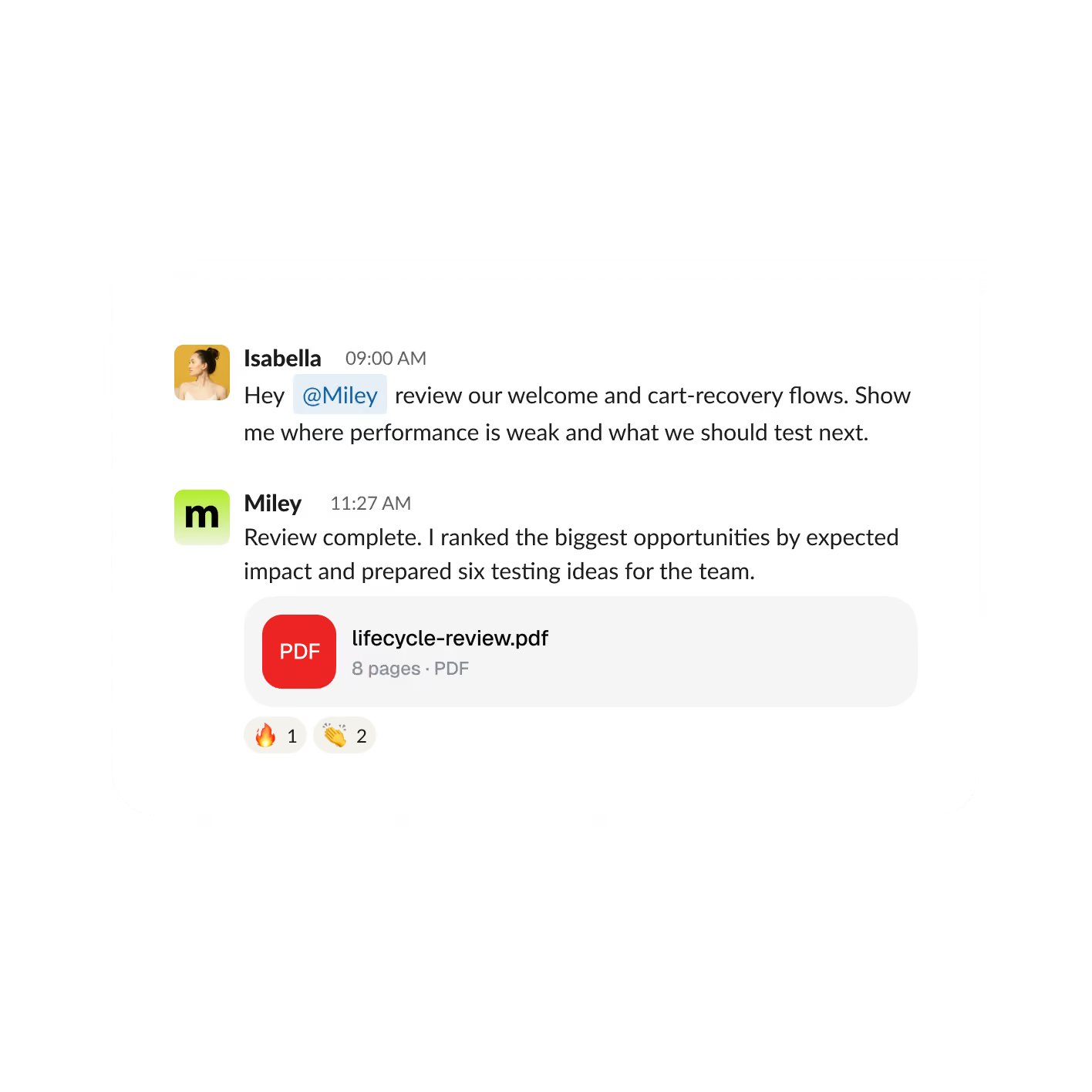
Miley reviews your welcome, abandoned-cart, post-purchase, and reactivation journeys to find weak points and turn them into clear testing ideas.
Catch campaign issues before they become expensive
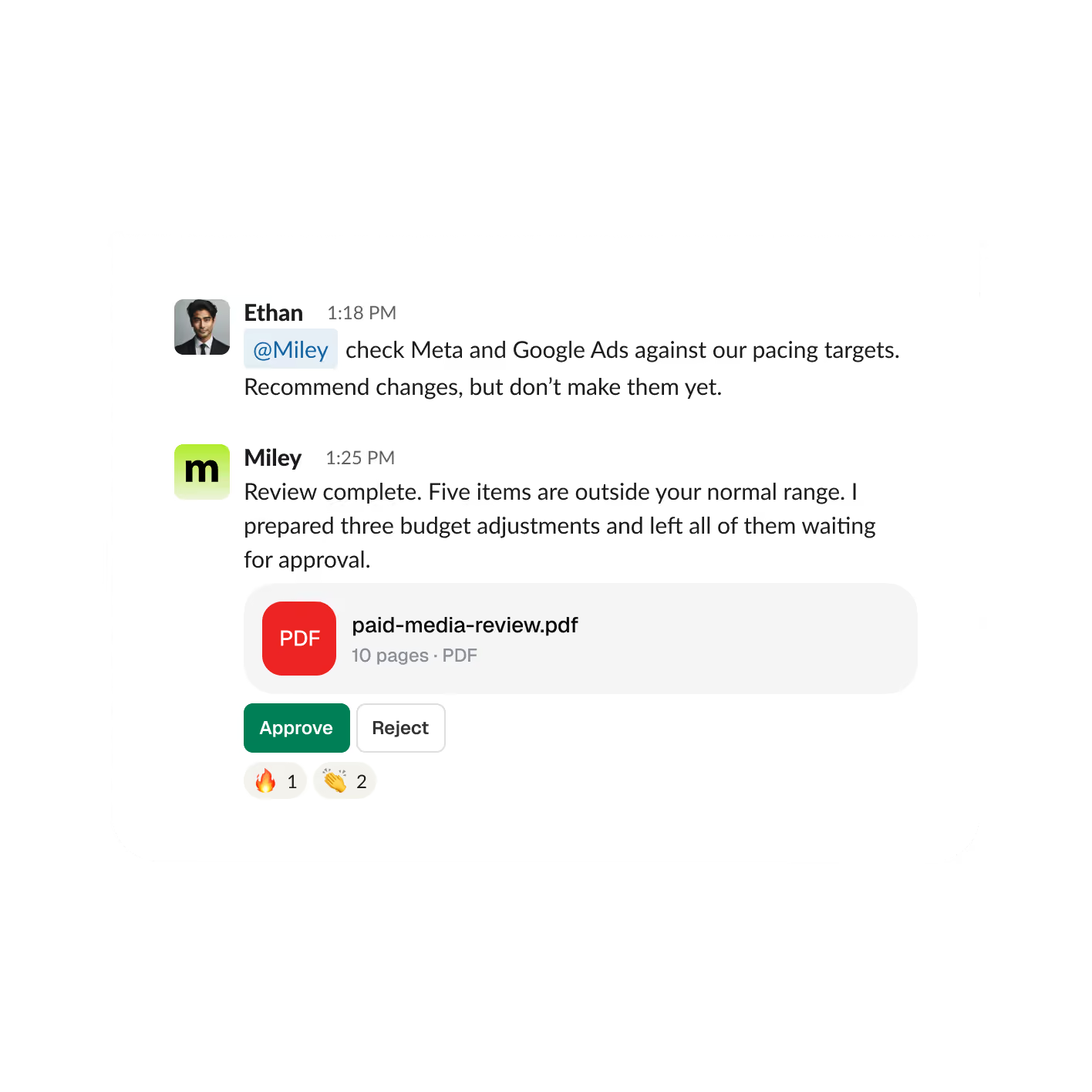
Miley checks paid media performance against the targets you set, surfaces unusual movement, and prepares recommended changes without publishing them until you approve.
Understand what the store is actually earning
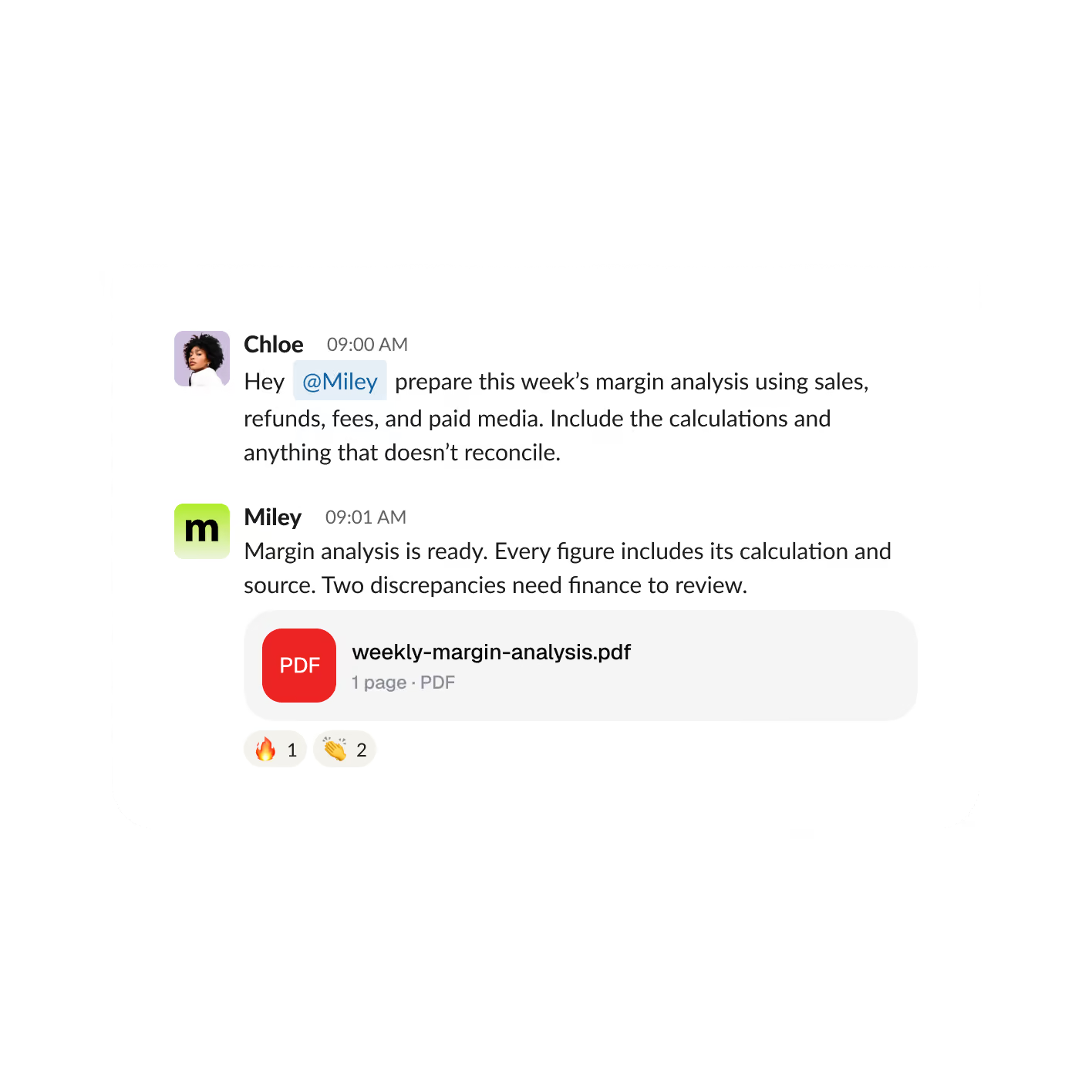
Miley brings together sales, refunds, fees, and advertising costs using the definitions your team provides, then clearly shows where the numbers came from.
Turn customer complaints into product priorities
Miley looks across past results and team context, then turns the strongest signals into concepts, hooks, references, and test ideas.
Know what inventory could derail the next campaign
Miley studies the company, current campaigns, market position, and public signals, then turns the research into a clear pitch-ready brief with sources.


Miley works across sales, marketing, lifecycle, customer experience, and revenue data to turn scattered information into something your team can use.
Start the day knowing what changed
Miley reviews sales, refunds, advertising costs, and incoming payments against the rules your team uses, then highlights the changes that deserve attention.

Find the next lifecycle opportunities
Miley reviews your welcome, abandoned-cart, post-purchase, and reactivation journeys to find weak points and turn them into clear testing ideas.

Catch campaign issues before they become expensive
Miley checks paid media performance against the targets you set, surfaces unusual movement, and prepares recommended changes without publishing them until you approve.

Understand what the store is actually earning
Miley brings together sales, refunds, fees, and advertising costs using the definitions your team provides, then clearly shows where the numbers came from.

Turn customer complaints into product priorities
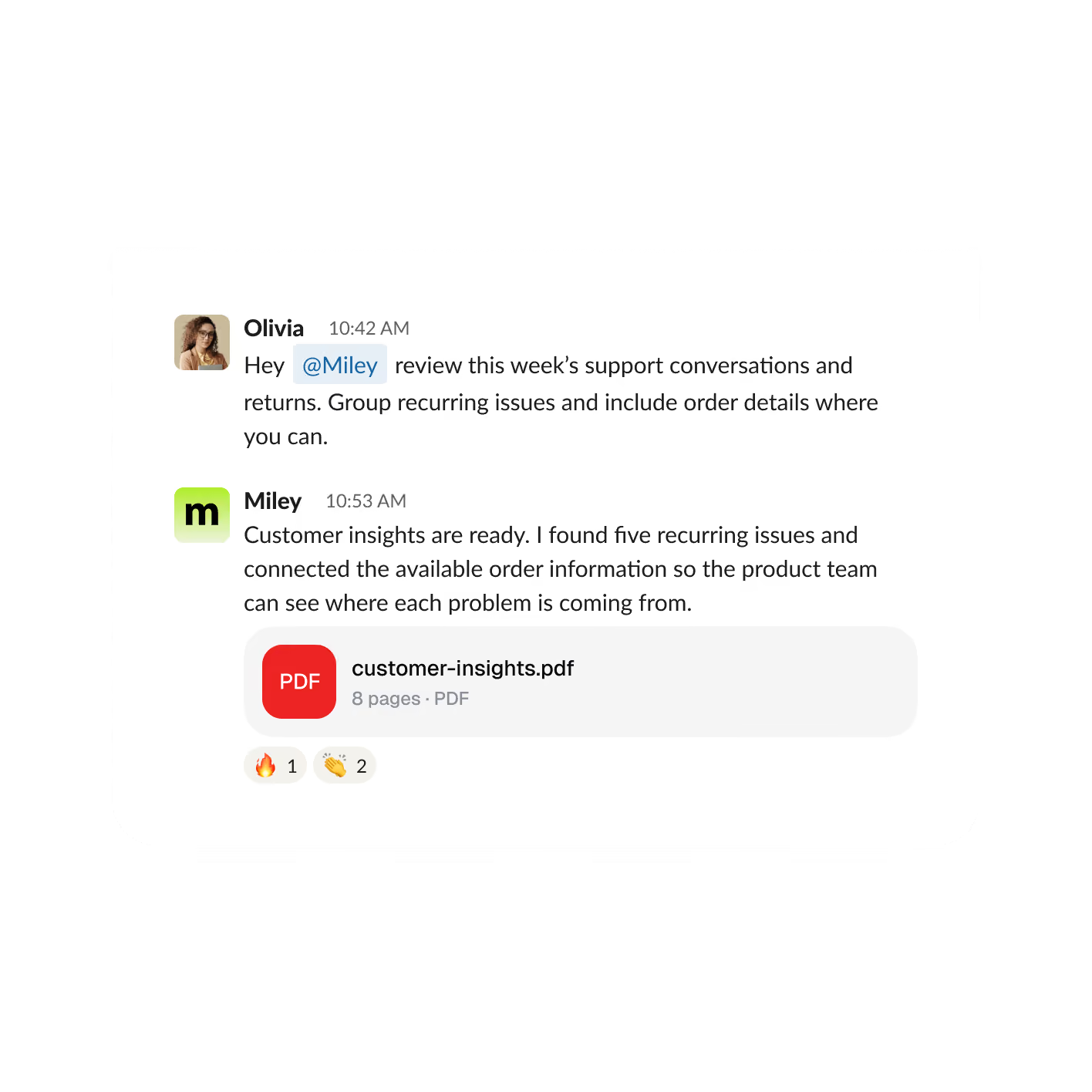
Miley can review connected support conversations and returns, identify recurring problems, and connect them back to orders or customer history when that information is available.

Know what inventory could derail the next campaign
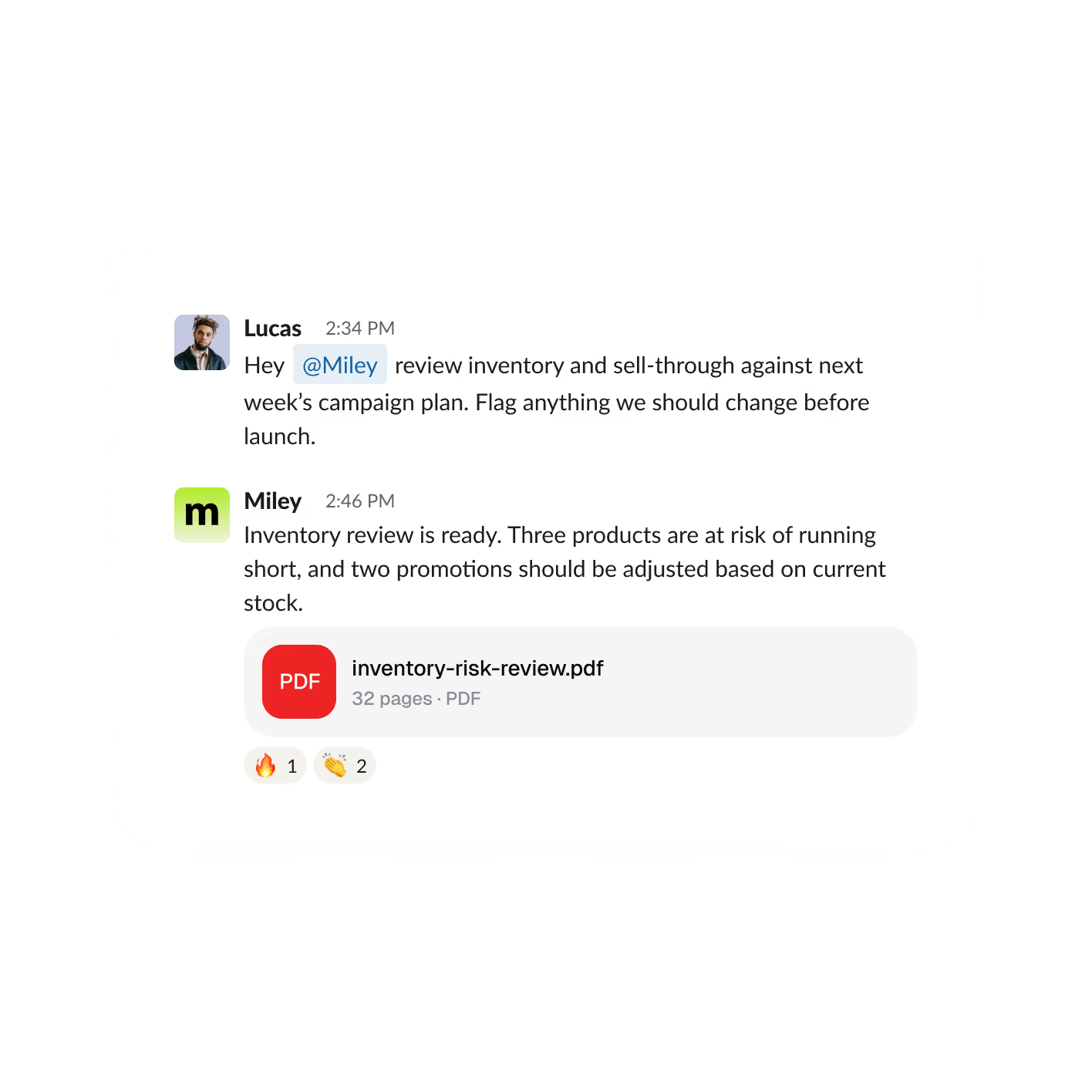
Miley compares stock levels, sales velocity, margin, and upcoming marketing plans so your team can spot products likely to sell out or promotions that need adjusting.

Miley works with the connected apps and permissions you give her, bringing information together and returning reports, drafts, recommendations, or actions ready for review.
Connect 10,000+ tools, with custom connections available when needed.
She connects store performance, paid media, lifecycle marketing, customer activity, and revenue so your team gets the next piece of work — not another place to look.
Give Miley enough access to be useful while keeping your team in control of decisions that affect customers, campaigns, and money.
Connect the same platform multiple times and label each brand, storefront, or ad account. If Miley isn’t sure which one you mean, she asks before continuing.
Require approval before Miley adjusts budgets, publishes campaigns, communicates with customers, or takes other sensitive actions.
Miley works alongside your team in Slack or Microsoft Teams while respecting the access available to each person.
Use faster models for everyday jobs and more capable models when a task requires deeper reasoning or analysis.
How can ecommerce teams use AI?
AI can help on both sides of an ecommerce business. Customer-facing AI can power search, recommendations, and support. Operational AI can help teams analyze store performance, review lifecycle campaigns, monitor advertising, prepare reports, investigate customer issues, and manage recurring work. Miley focuses on that operational side across the tools your business already uses.
How do I use Miley with Shopify?
Connect Miley to Slack or Microsoft Teams, add Shopify and the other platforms your store relies on, and show her how your team measures performance. Give her your metrics, definitions, thresholds, and approval rules, review the first result, then schedule recurring work once the process looks right.
Can Miley combine information from different ecommerce tools?
Yes. Miley can work across connected platforms such as Shopify, Stripe, advertising accounts, email marketing tools, and other business systems to support operational analysis and reporting. Formal accounting and governed financial reporting should still live in the systems your business uses for those purposes.
What kind of AI is best for ecommerce?
You control that. Routine actions can run automatically, sensitive steps can require approval, and individual actions can be turned off entirely.